Inkdrop linking plugins — note-from-selection + search-notes
One workflow, two plugins
Inkdrop is a markdown note app; out of the box, linking notes together meant hunting for IDs by hand. These two plugins cover both directions of a wiki-style linking workflow:
- note-from-selection — selected text becomes a new linked note
- search-notes — link to (or jump to) an existing note, searched from inside the editor
note-from-selection
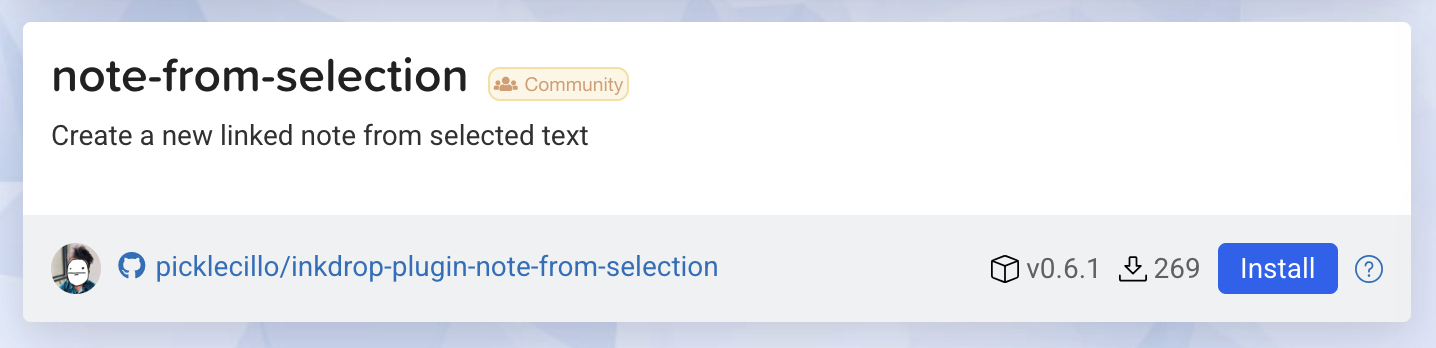
Select text, hit cmd-shift-e, and the selection becomes its own note — the
original text replaced by a link. cmd-shift-ctrl-e pops a notebook picker to
file it elsewhere. The details that matter:
- No naming prompt — the first line of the selection (up to a configurable 80 chars) becomes the title, so splitting a note never breaks flow.
- Links that stay fresh — the inserted link is left with blank text on
purpose: Inkdrop then renders the referenced note's live title, status,
and tags in previews. The title also lands in an HTML comment next to the
link for readability in the raw editor:
[](inkdrop://note:<noteId>) <!-- new note title -->
search-notes

The second plugin opens a search modal without leaving the editor:
cmd-shift-s— search notes and insert a link to the selected result; works on selected text too.alt-cmd-space— search and navigate to the result, which pairs naturally with Inkdrop's back/forward navigation commands.
Coexisting with the core app
Inkdrop v5.8.0 later shipped its own note-from-selection and backlinks panel. Instead of dying, the plugins leaned into what core doesn't do — prompt-free default titles, cross-notebook filing, link-insertion from search — and dropped the features core now did better. A plugin shouldn't compete with the app on things the app does well.